
Introduction
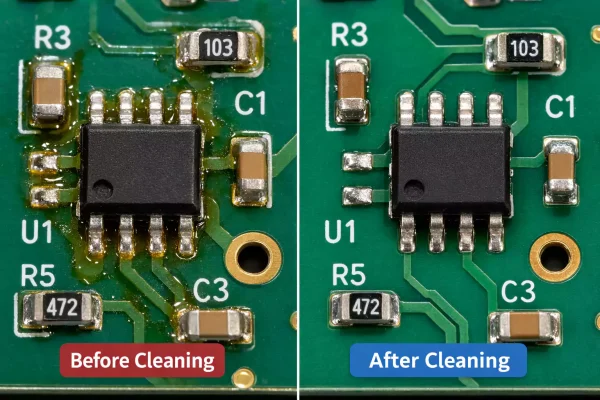
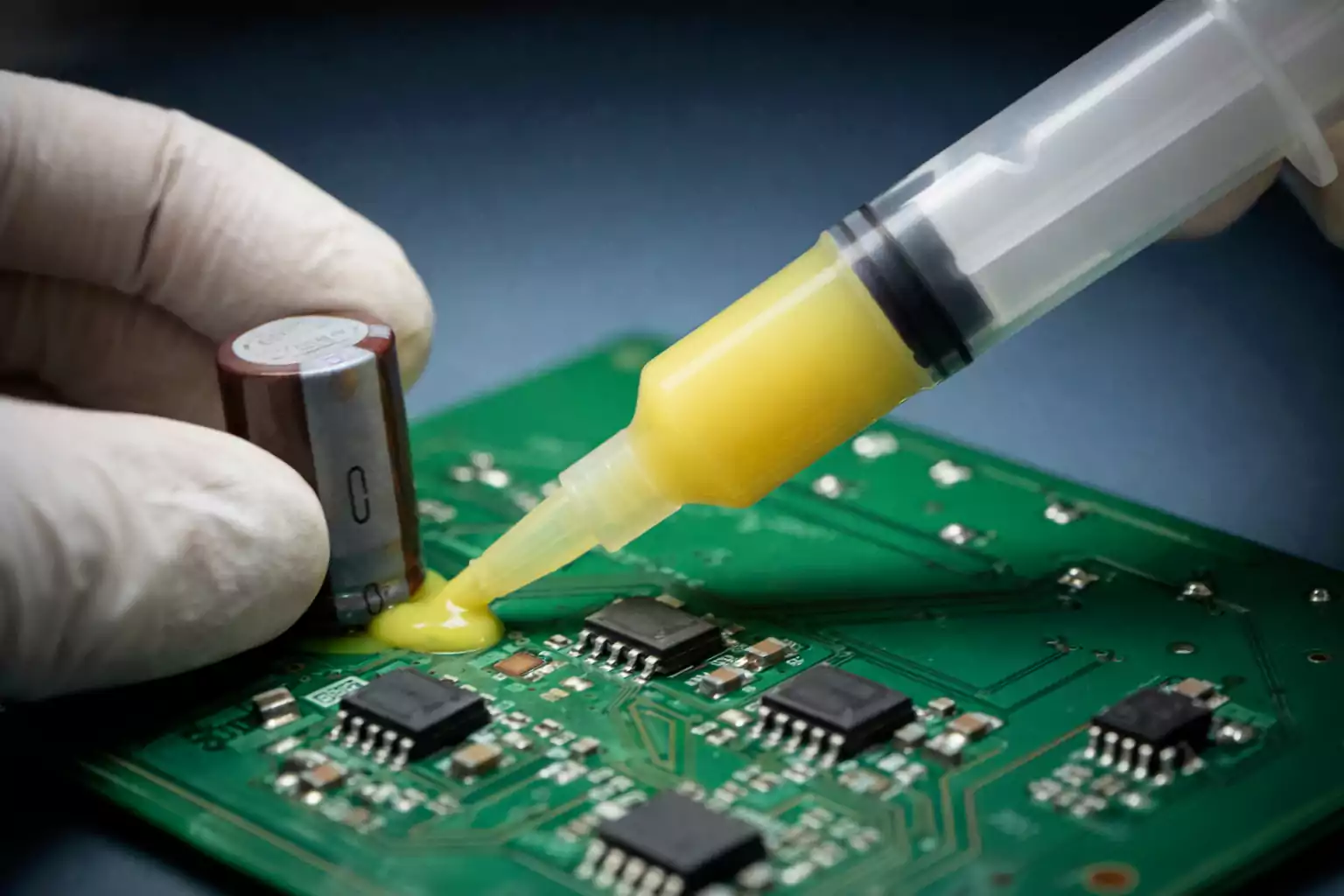
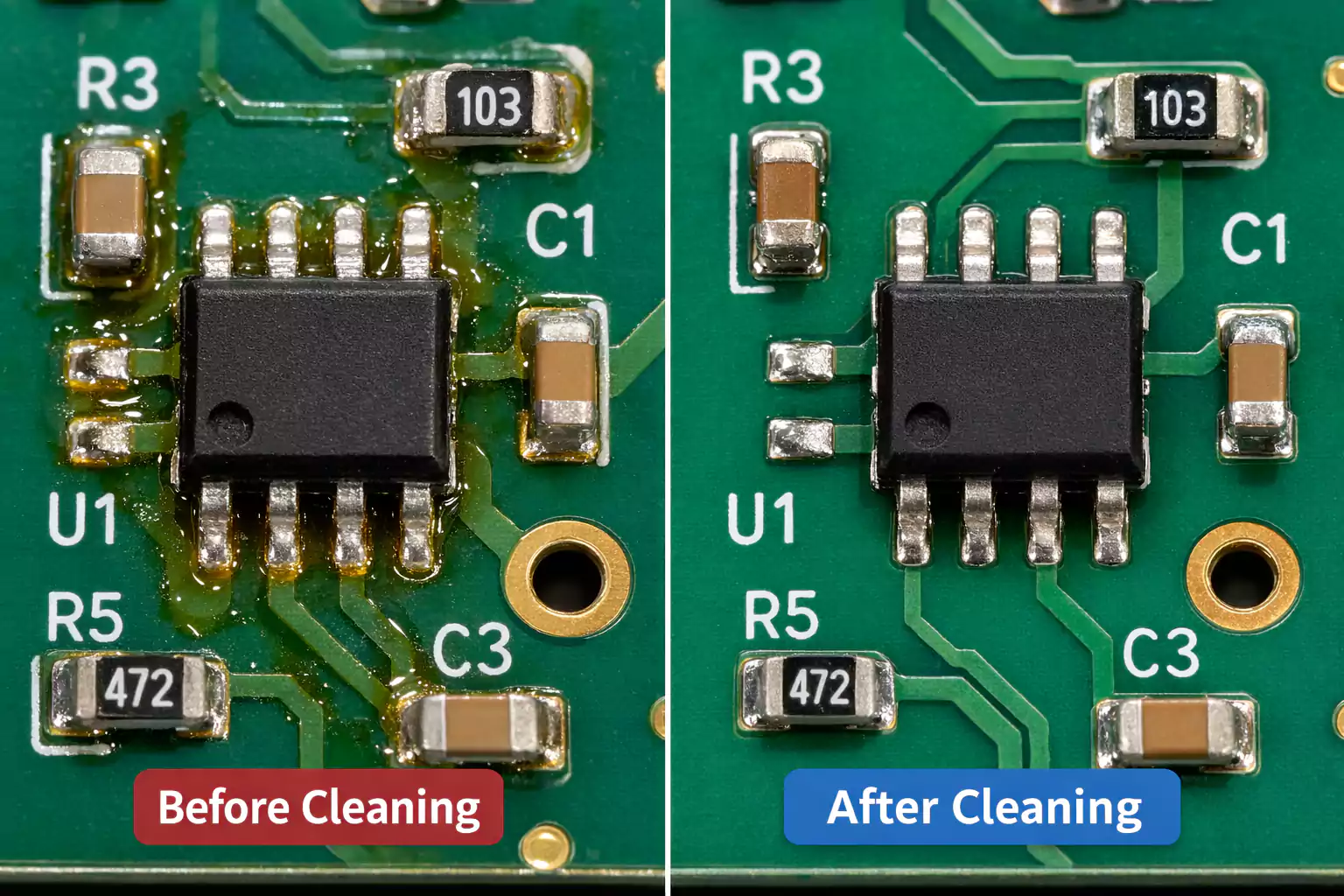
Flux residue is a common byproduct of soldering printed circuit boards (PCBs). Flux promotes solder adhesion and prevents oxidation, but leftover residue can affect appearance and, in some cases, reliability if not managed.
How to Clean Flux Off PCB is often important in electronics manufacturing, repair, and prototyping. Residues may interfere with conformal coating, reduce cleanliness, trap dust or other contamination, and, in sensitive circuits, contribute to electrical leakage if combined with environmental contaminants.
This article provides a detailed guide to cleaning flux from PCB surfaces, covering different types of flux—including rosin-based, no-clean, and water-soluble—and the appropriate cleaning methods for each.
Types of Flux and Residue Characteristics
Understanding the type of flux used during soldering is essential when determining the most effective way to clean printed circuit boards (PCBs). Each flux type leaves behind different residues. Some need thorough removal, while others are designed to remain on the board under the right conditions. Below are the most common types of flux and their residue characteristics:
1. Rosin-Based Flux (R-Type)
Rosin-based flux is derived from natural resin and is widely used in both hobbyist and industrial applications. It provides excellent soldering performance but leaves behind sticky, amber-colored residues that are often visually noticeable.
Residue Characteristics:
- Generally non-conductive when dry under normal conditions
- Leaves visible deposits that can affect PCB appearance
- May interfere with conformal coatings, inspection, or cleaning requirements in high-reliability products
- Often removed for cosmetic, process, or long-term reliability reasons, depending on the application.
2. No-Clean Flux (NC-Type)
No-clean flux is formulated to leave minimal residue and is intended to remain on the board in many standard applications. It is commonly used in mass production to reduce the number of cleaning steps. However, “no-clean” does not always mean “never needs cleaning.”
Residue Characteristics:
- Leaves light, often hard-to-see residues
- Residue is usually acceptable if the soldering process is well controlled.
- May still need removal before conformal coating, in high-impedance circuits, or in products with strict cleanliness requirements
- Can create inspection or cosmetic issues even when electrically acceptable
3. Water-Soluble Flux (WS-Type)
Water-soluble fluxes are designed for easy removal using water, making them popular in environments that require rigorous post-soldering cleaning.
Residue Characteristics:
- Must be cleaned after soldering
- Residues are electrically active and not intended to remain on the PCB.
- If left on the board, they can contribute to reliability problems.
- Typically removed using deionized (DI) water or controlled aqueous cleaning systems.
Safety and Preparation Before Cleaning Flux from a PCB
Set up a safe, organized, and equipped work environment before cleaning flux residue off a printed circuit board (PCB). Many cleaning agents—such as high-purity isopropyl alcohol (IPA), acetone, and commercial flux removers—are flammable, volatile, or irritating to the skin and eyes. Taking proper safety precautions protects you and your workspace. It also helps ensure the cleaning process is efficient and effective.
1. Work in a Well-Ventilated Area
Most solvents produce harmful fumes. Always clean in a well-ventilated room, under a fume hood, near an open window, or use a small fan to direct fumes away from your face.
2. Wear Protective Equipment
To minimize exposure to chemicals and prevent electrostatic damage, wear the following personal protective equipment (PPE):
- Nitrile gloves: Protect your hands from solvents and flux chemicals
- Safety glasses or goggles: Prevent splashes from reaching your eyes
- Antistatic wrist strap: Avoids electrostatic discharge (ESD), which can damage sensitive electronic components
3. Power Down and Disconnect the PCB
Always turn off the power and disconnect all power sources before cleaning. Removing the battery or unplugging the device is essential to avoid short circuits, electrical shocks, or damage during cleaning.
4. Prepare Your Cleaning Tools and Supplies
- High-purity isopropyl alcohol (IPA) (90–99% concentration)
- Commercial flux remover spray (optional for no-clean or rosin flux)
- Antistatic brushes, acid brushes, or soft-bristle toothbrushes
- Lint-free wipes (e.g., Kimwipes or microfiber cloths)
- Compressed air or a heat gun for drying
- ESD-safe work mat or surface
- Small containers for soaking (if needed)
5. Avoid Open Flames and Static Sources
Many cleaning solvents are flammable. Keep your workspace away from open flames, sparks, or high-heat sources. Additionally, avoid using cleaning materials that generate static electricity, such as paper towels or low-quality dry wipes.
6. Organize Your Workspace
A clutter-free workspace allows for better handling of delicate components and reduces the risk of spills or damage. Place your tools and cleaning agents within easy reach, and make sure the board is positioned on a non-slip, ESD-safe surface.
Recommended Cleaners and Tools for Removing Flux from PCB
Choose the right cleaning agents and tools to remove flux residue without damaging your PCB. Different flux types—such as rosin-based, no-clean, and water-soluble—respond best to specific solvents and application methods. Below are the most recommended products and tools for safe and thorough PCB cleaning.
1. Isopropyl Alcohol (IPA)
Use high-purity IPA (≥90%, ideally 99%) to dissolve rosin and some no-clean flux residues.
It evaporates quickly and leaves little to no residue, making it suitable for many electronics cleaning tasks.
Available in spray bottles or bulk for manual cleaning and soaking.
2. Commercial Flux Removers
Specialized cleaning sprays (e.g., Techspray, MG Chemicals, Chemtronics) are formulated to break down stubborn no-clean or rosin flux.
Most include a directional straw or brush attachment for precision cleaning.
Effective in both manual and automated cleaning workflows.
3. Cleaning Brushes
Use ESD-safe brushes, acid brushes, or soft-bristle toothbrushes to agitate and lift flux.
Antistatic brushes are recommended to avoid static discharge during cleaning.
4. Lint-Free Wipes and Swabs
Kimwipes, microfiber cloths, or foam-tipped swabs are ideal for wiping off dissolved flux without leaving fibers or particles behind.
Avoid using paper towels or low-quality cotton products that can shed debris.
5. Compressed Air or Heat Gun
Use canned air or a low-temperature heat gun to blow away solvent and dry the PCB quickly.
This helps prevent residue from resettling and avoids moisture buildup after cleaning.
6. Optional: Ultrasonic Cleaner
Suitable for cleaning water-soluble flux or for batch cleaning in industrial settings.
Only use with compatible components and follow manufacturer guidelines.
Step-by-Step Cleaning Process for Removing Flux from PCBs
Whether you’re cleaning rosin-based, no-clean, or water-soluble flux, following a structured process ensures better results and reduces the risk of damage. Below is a proven step-by-step method for safely removing flux residue from printed circuit boards (PCBs).
Step 1: Power Down and Prepare the PCB
Disconnect all power sources, batteries, and cables.
Place the PCB on a flat, ESD-safe surface.
Wear antistatic gloves or wrist straps and ensure proper ventilation.
Step 2: Identify the Type of Flux
Check solder labels or documentation to determine if you’re dealing with rosin, no-clean, or water-soluble flux.
This helps you choose the right solvent and cleaning method.
Step 3: Apply Cleaning Agent
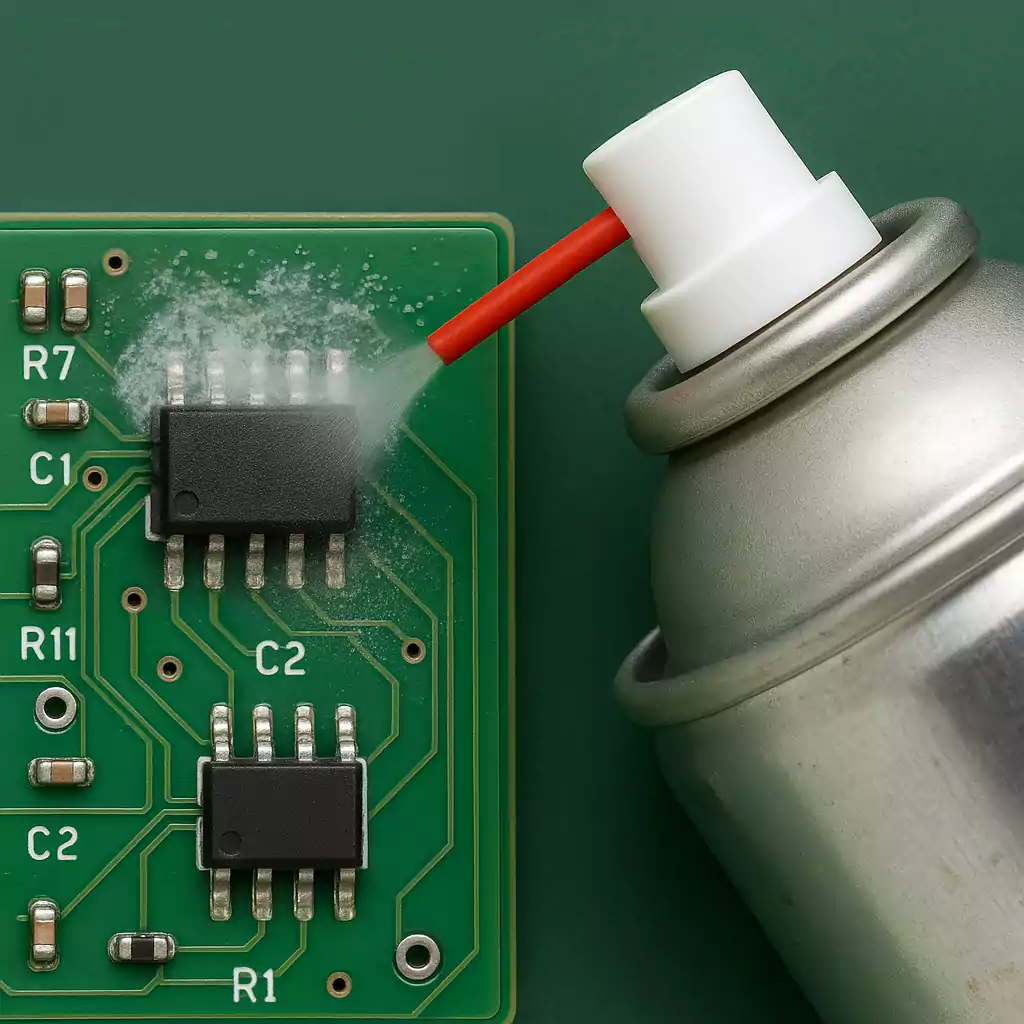
For rosin or no-clean flux, spray or dab high-purity isopropyl alcohol (IPA) or a commercial flux remover directly onto the affected area.
For water-soluble flux, use warm deionized water or a water-based cleaning solution.
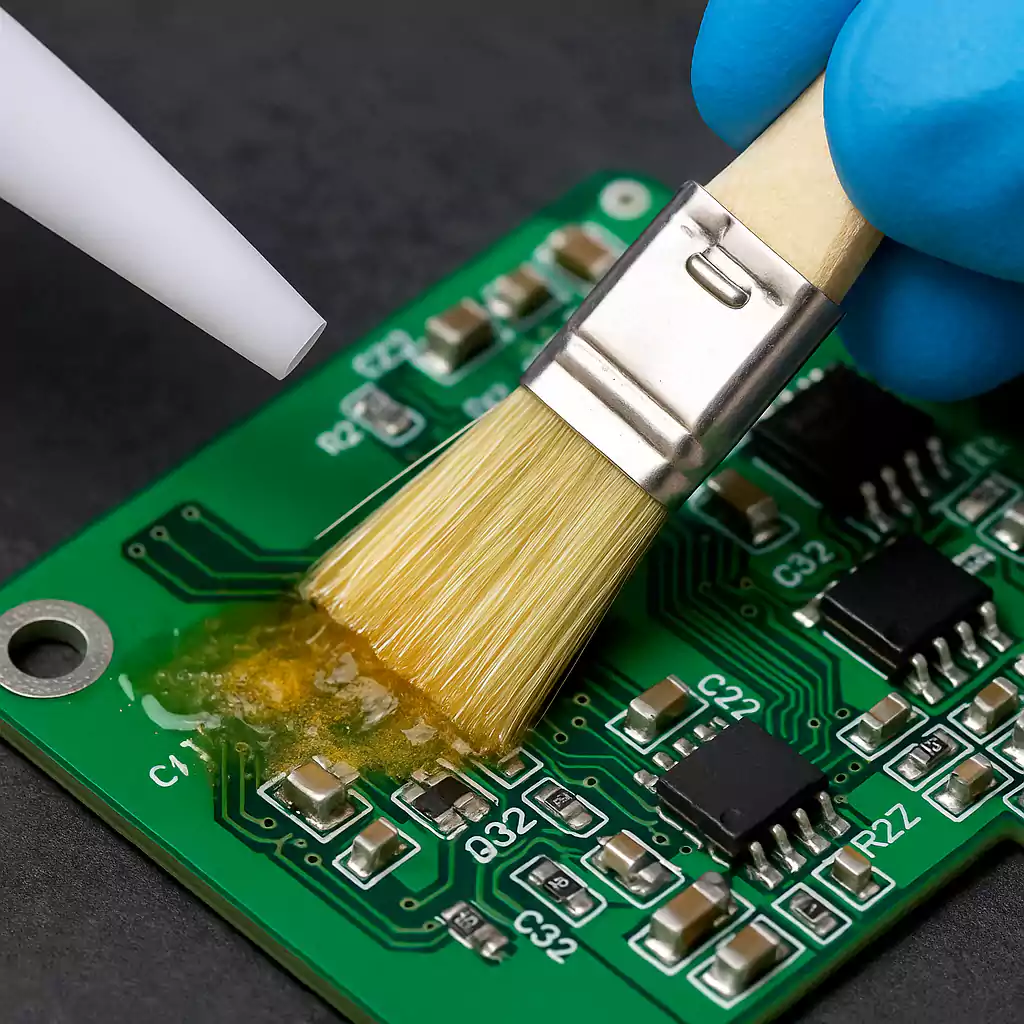
Step 4: Agitate with a Brush
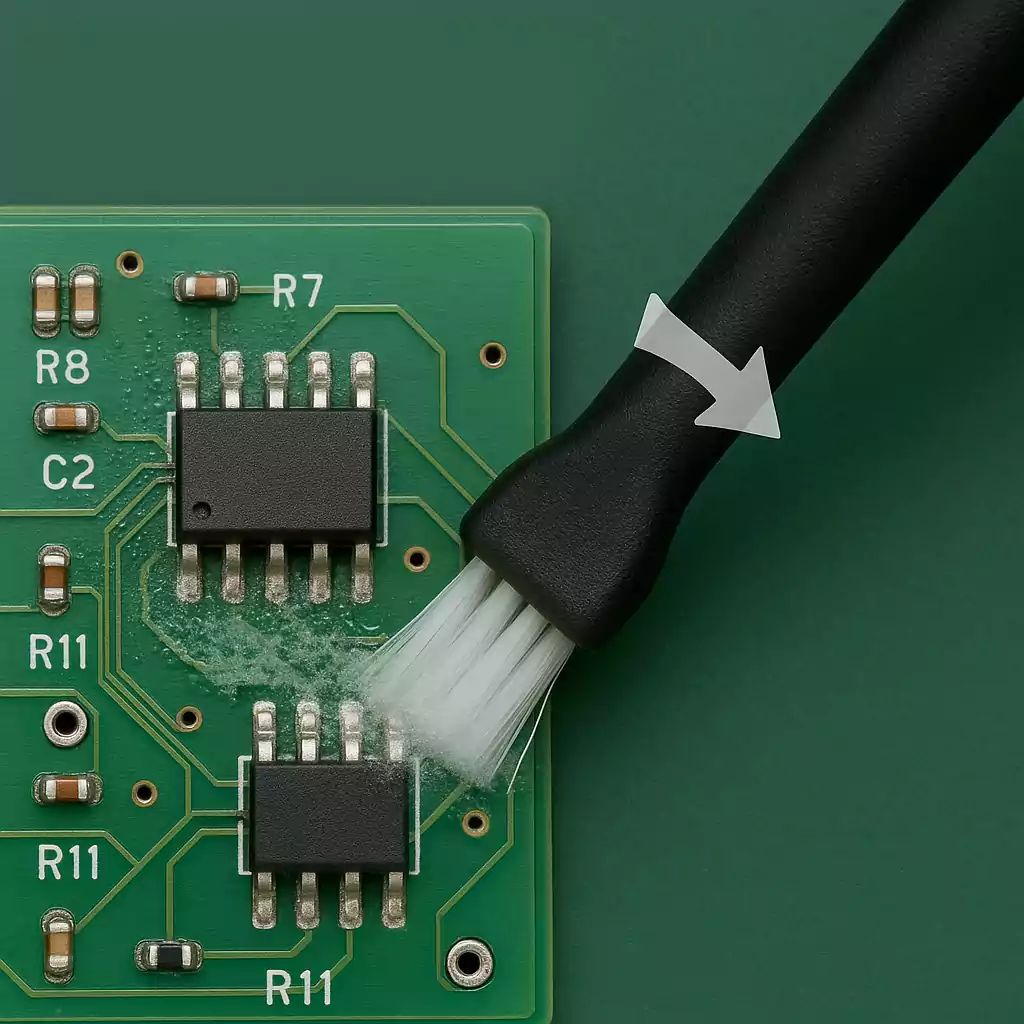
Use an ESD-safe brush (e.g., acid brush or soft toothbrush) to gently scrub the flux residue.
Brush in one direction to reduce residue spreading.
Reapply solvent as needed to keep the area wet and loosen stubborn buildup.
Step 5: Wipe or Rinse Away Residue
Use lint-free wipes or foam-tipped swabs to blot and wipe away dissolved flux.
For water-soluble flux, rinse thoroughly with deionized water after brushing.
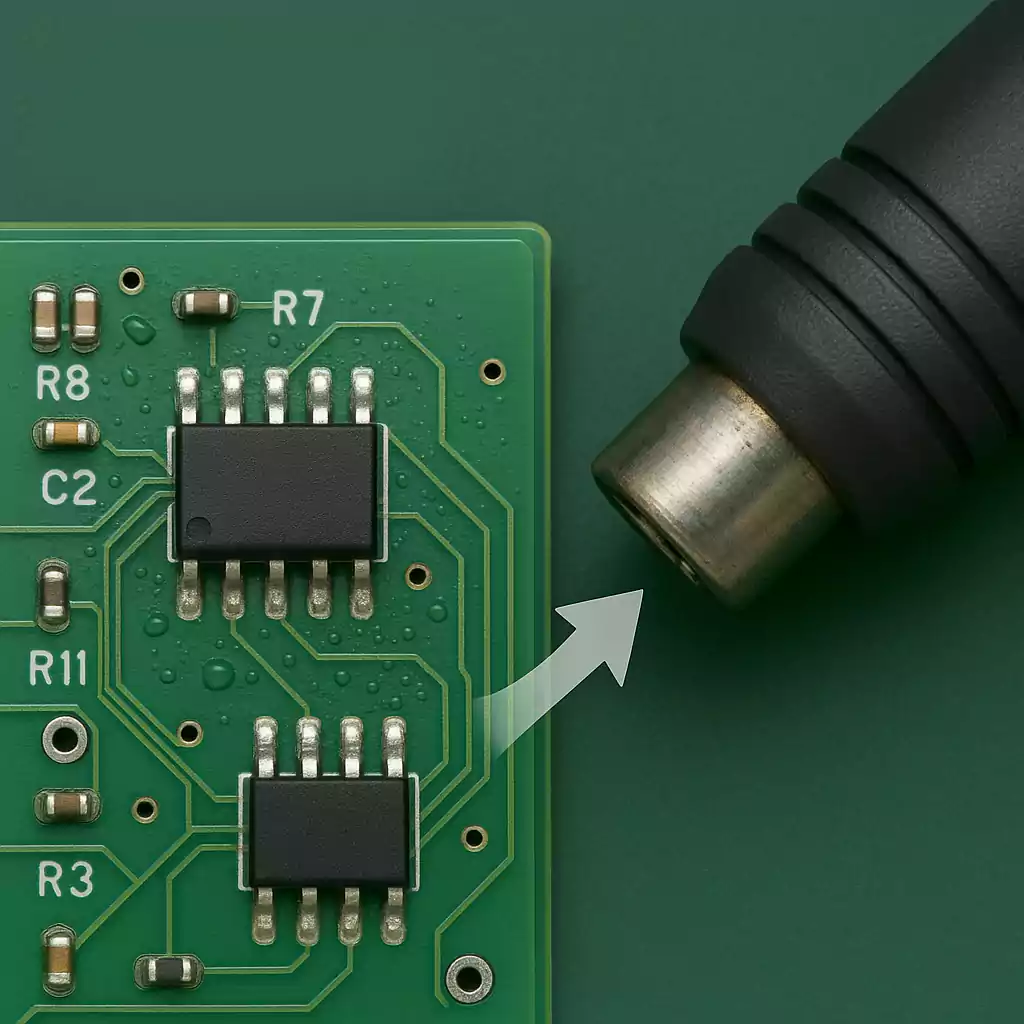
Step 6: Dry the PCB Completely
Use compressed air or a low-heat gun to remove moisture or remaining solvent.
Make sure no liquid remains under components or connectors.
Let the board sit for 10–30 minutes in a warm, dry place to ensure full evaporation.
Step 7: Inspect and Repeat if Necessary
Use a magnifying glass or microscope to inspect solder joints and component pads.
Repeat the process if any visible residue remains.
Recommended Cleaning Methods by Flux Type
Choosing the right cleaning approach depends heavily on the type of flux used during soldering. Each type leaves behind residues with different properties, and using the wrong method can lead to ineffective cleaning or even damage. The table below summarizes the best practices for cleaning each flux type:
| Rosin-Based | 99% Isopropyl Alcohol (IPA) or flux remover | No | Usually non-conductive when dry, but may affect appearance, coating adhesion, or cleanliness requirements | Antistatic brush, lint-free wipes | Clean when visual cleanliness, coating, or reliability standards require it |
| No-Clean | Specialized no-clean flux remover or IPA | No (in most cases) | Minimal visible residue; may still need removal in high-reliability, coating, or high-impedance applications | Brush + targeted spray; dry thoroughly | “No-clean” does not always mean “never clean” |
| Water-Soluble | Warm DI water + neutral detergent | Yes | Residue should not remain on the board after soldering | Soft brush, rinse tank, compressed air or heat gun | Must be cleaned promptly and dried thoroughly |
Common Mistakes When Cleaning Flux
Cleaning flux residue from a printed circuit board (PCB) may seem simple, but even small mistakes can lead to poor results, component damage, or long-term reliability issues. Below are the most common flux cleaning errors.
- Using 70% Isopropyl Alcohol
- Using Cotton Swabs or Paper Towels
- Spraying Without Agitation
- Leaving Water-Soluble Flux Unwashed
- Not Drying the PCB Completely
- Assuming No-Clean Flux Never Needs Cleaning
Frequently Asked Questions (FAQ)
How to Clean Flux Off PCB?
The best method depends on the flux type:
·For rosin flux, use 99% IPA or a dedicated flux remover.
·For no-clean flux, use a suitable flux remover if cleaning is required.
·For water-soluble flux, use deionized water or an aqueous cleaning process.
Apply the cleaner, scrub gently with an ESD-safe brush, wipe or rinse away the loosened residue, and dry the PCB completely.
Is 70% isopropyl alcohol good for cleaning PCBs?
No.
In most cases, 70% IPA contains too much water for effective PCB cleaning. For best results, use 90–99% IPA, preferably 99%, especially on delicate electronics.
Can I use acetone to remove flux residue?
Yes, but with caution.
Acetone is a strong solvent that can dissolve some flux residues. However, it may:
Damage plastic connectors or markings
Affect certain coatings or adhesives.
Evaporate very quickly, making controlled cleaning harder.
Use it only when compatible with the PCB materials and components.
What's the best way to dry a PCB after cleaning?
After cleaning:
Use compressed air to blow out solvent from under components.
Follow with a low-heat gun or air-dry the board in a clean, dry area.
Make sure the board is fully dry before applying power.
This is especially important after water-based cleaning.
Is it necessary to clean flux if I'm not applying conformal coating?
Sometimes, yes.
Even if no conformal coating is planned, cleaning may still be preferred for:
·Better visual appearance
·Inspection clarity
·High-reliability electronics
·High-impedance or RF circuits
·Products with strict cleanliness standards
Can I use a toothbrush to clean flux off a PCB?
Yes, but use a soft-bristle or ESD-safe brush.
Regular household toothbrushes may shed bristles or generate static. For better control, use acid brushes or antistatic PCB cleaning brushes.
How do I know if all the flux is removed?
Check for:
·No visible residue or white haze under bright light or magnification
Clean solder joints and pads
·No sticky film on the board surface
·No trapped solvent or moisture around components
Conclusion
Proper flux removal helps maintain PCB cleanliness, appearance, and process reliability. Depending on the flux type and end-use requirements, cleaning may be necessary to support inspection, conformal coating, or long-term product quality.
By identifying the type of flux used, choosing the right cleaning agent, and following a safe, structured cleaning process, you can clean your PCB effectively without damaging sensitive components.